LEAF & LOAF • SHIPPED
ROLE
Product Designer
timeline
Jun-Dec 2025
TEAM
Founder
2 Designers
skills
Product design
Design strategy
Design system
overview
You still browse, compare, and scroll, it just happens on a screen instead of an aisle. For families doing multi-stop runs across a Costco, a supermarket, and an ethnic grocer every week, the time savings weren't real.
SOLUTION
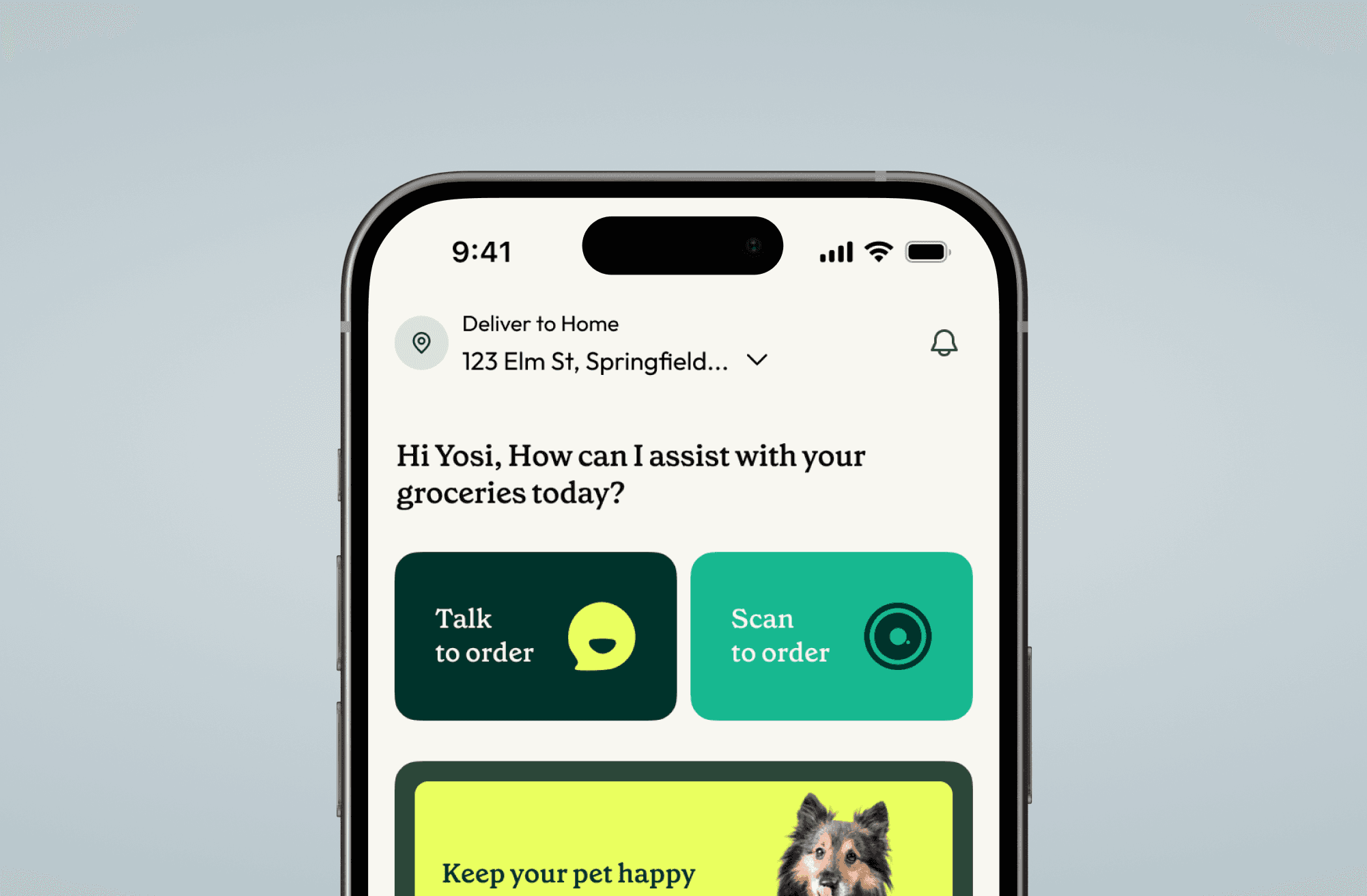
Leaf & Loaf is a hyperlocal, weekend-delivery grocery service that radically simplifies the shopping experience by replacing traditional e-commerce catalogues with intelligent voice and list-based ordering.
Leaf & Loaf isn't built for someone who enjoys wandering supermarket aisles or comparing options online. It's built around a specific intent: I know what I want. I just need a faster way to get it done.
We designed the end-to-end experience across three entry points: voice, notepad, and OCR, and handed off a full design system.
CORE FLOWS

Talk to order — a hands-free call experience that builds your list as you speak.
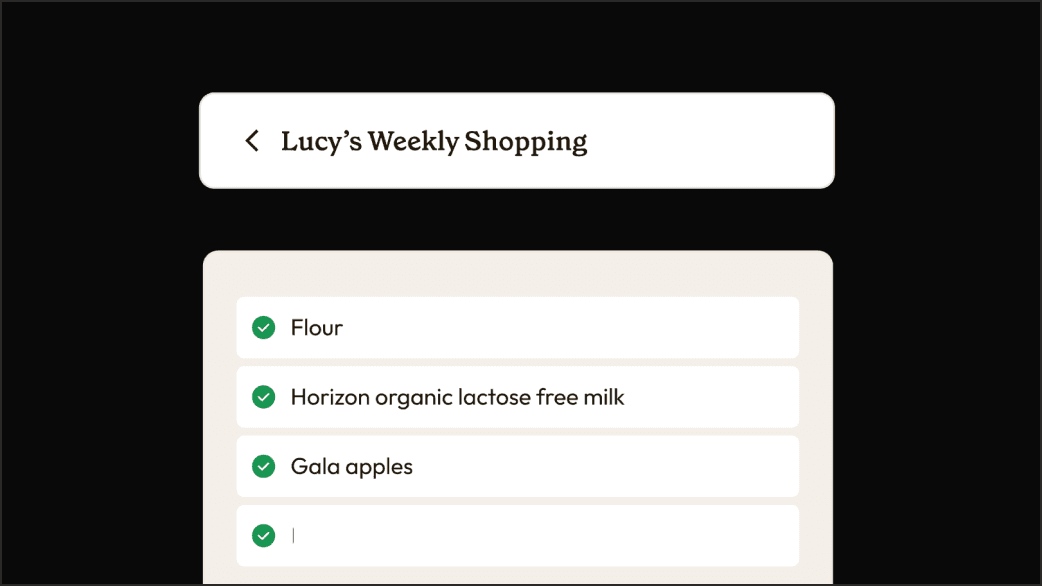
Notepad — keep reusable named lists; convert any one into a shopping list in a tap.
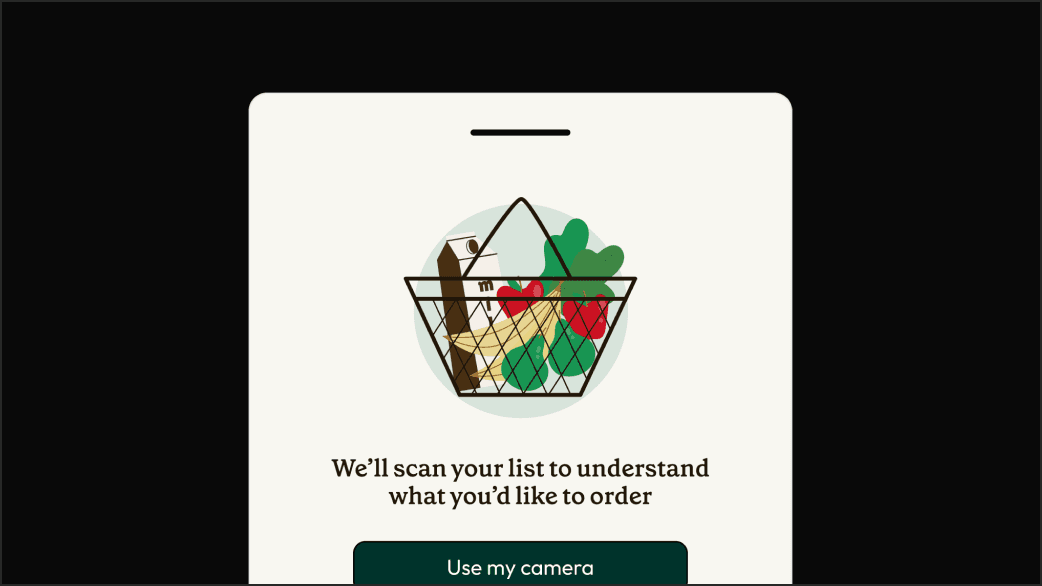
Scan to order — OCR turns a paper list or screenshot into an editable cart.
BACKGROUND & PROBLEM
It's Thursday night. Lucy's had a long day, the weekend is approaching, and she needs to restock her pantry. But grocery shopping is never one trip or one store. She's weighing her options: brave the rush hour, the carpool lanes, the queues or order online, pay a premium, and lose hours on endless scrolling. Either way, she's overwhelmed before she's even started.
And Lucy wasn't alone. Across our users:
EARLY FEEDBACK
Before I joined, the founder had run a voice prototype test with fourteen participants.
Recognition was fast. People liked the idea. But three things kept breaking:
Calls dropped mid-order with no way to resume. One participant: "I'd rather go to the store than do that again." Ouch.
No item-level prices during the call. Users had no idea if they were building a $60 order or a $160 one.
The AI read back the full list at the end in one unbroken stream. By item eight, users had forgotten what item one was.
DESIGN PROCESS
The AI backend always had a "memory" of your active list, but in the earliest version, you only benefited from it if you knew to ask for your previous order, like asking a chat model to recall an old thread.
We just had to make it properly visible.
Every confirmed item auto-saves as you speak, making the voice flow multimodal from the first captured item. The full-screen call view collapses into a pinned strip at the top; underneath, a live list builds in real time, populating as you go.
If the call drops, the Active list converts into a system-generated note in Notepad.
When the user returns, the home screen leads with a "Continue your order?" button, giving them the option to switch modes if the environment has changed.


For users who already maintain grocery lists, most of our users do. The flow is simple. Users land in Notepad, create and maintain as many named lists as they want, and when they're ready to order, they convert one into a shopping list. The original note stays intact. It never gets overwritten or consumed by the order.

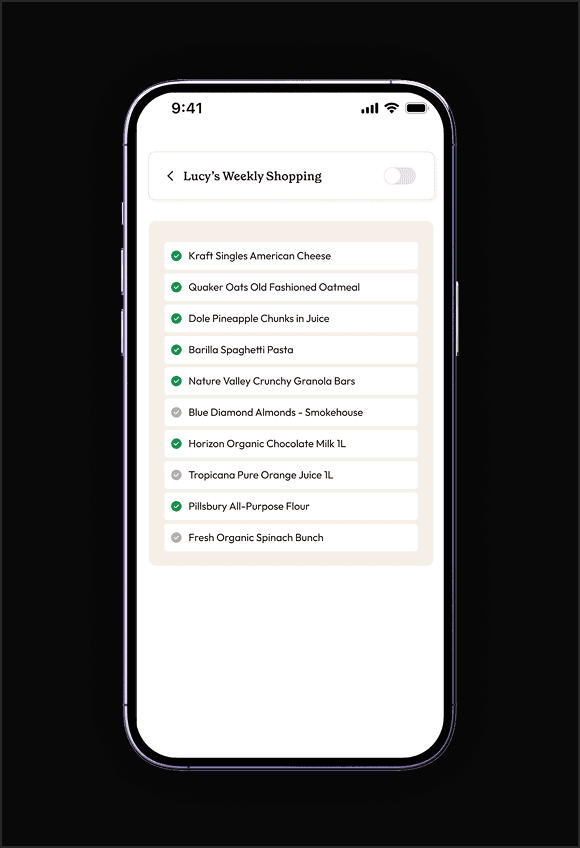
Attempt 1: Keeping a global toggle
Flip it on, and the list becomes active suggestions start, the AI kicks in. The problem: the toggle was doing too many jobs at once. Did it mean "I want suggestions"? "I'm ready to buy" "I'm just exploring" Nobody knew. Plus, the user didn't have control over individual list items.

Attempt 2: Per item and global toggle
Per line item, a checkbox or toggle was added. Let users activate suggestions for specific line items. On a 20–30 item list, managing that many individual switches just to say "I'm ready to see suggestions" was a no. Just no.
Attempt 3: The hybrid
A global toggle plus checkboxes. Activate everything with the toggle, and check off what you want to buy. That's still too many clicks. Besides, the toggle and the checkboxes were functionally overlapping.
WHERE WE LANDED
Since this is a reusable list, we wanted users to have control over which items they'd order this time and which they'd leave out. The toggle was serving a different job, cueing the backend to start suggesting. Once we separated the two, one button handles the cue: "Convert to shopping list." Individual checkboxes, selected by default, handle the rest. Deselect what you don't need this time.
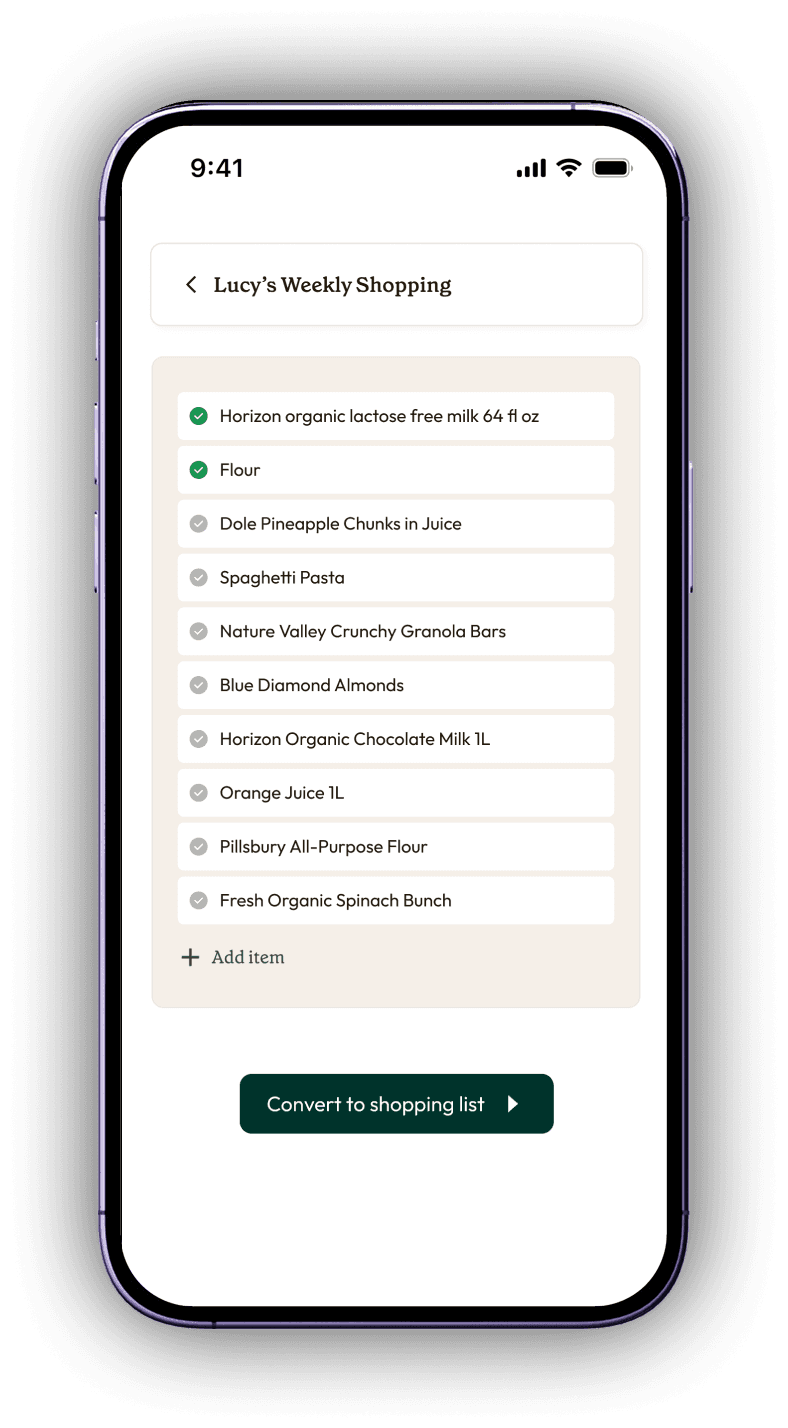
default state
All items are selected unless you deselect

INActive state
Minimum cart value is not achieved
TRADEOFFS
Building the list experience came with a whole lot of edge cases, some we accounted for, and some are next version's problem. But the biggest known tradeoff was product discovery. Users who are going out of habit, exploring, trying new recipes, or shopping on a tight budget have almost no path in (IVR solves it partially, but still). Discovery is limited to a small surface on the review screen.
The same tension shows up with categories. Leaf & Loaf sells more than groceries. We used rotating home banners instead. It works as a soft signal. Whether it scales is an open question.

DESIGN SYSTEM
As voice, list, and OCR evolved, it became clear that without a shared language, the app could easily fracture into three different visual experiences. To prevent that, I set up a modular Figma library.
Foundations like typography, colour, and spacing were defined as tokens. Components were built for both global UI and app-specific patterns, each annotated with states and edge cases so developers knew exactly when and how to use them.
TAKEAWAY & REFLECTION
Before Leaf & Loaf, my understanding of e-commerce was built entirely on standard conventions. So when I was tasked with designing an AI-first app that explicitly refused all of those, it forced me to relearn and I had to learn to be okay with not solving everything. Knowing when to scope is its own skill.
That said, this was one of the more enjoyable projects I've worked on. There's something about shaping a product from its earliest stage that doesn't get old.